
Security
An RMM is a key to every client.
We treat it like one.
RabbitRMM runs code as SYSTEM on your clients' machines, so every part of it is built on the assumption that someone will try to misuse it. Here is what that means in practice.
A signed agent that checks its own updates
- The agent and tray app are Authenticode-signed with Azure Trusted Signing
- Agents refuse any update not signed by the pinned publisher, and verify its hash before installing
- A failed update rolls itself back, so a bad build cannot strand a machine
- Each device has its own credential; a deleted device is refused and uninstalls itself
Least privilege for your team
- Sign-in with Microsoft Entra ID; no RabbitRMM passwords to leak
- Roles hold specific permissions and the clients they apply to
- Scripts carry an automation level, and roles a ceiling, so risky scripts need senior access
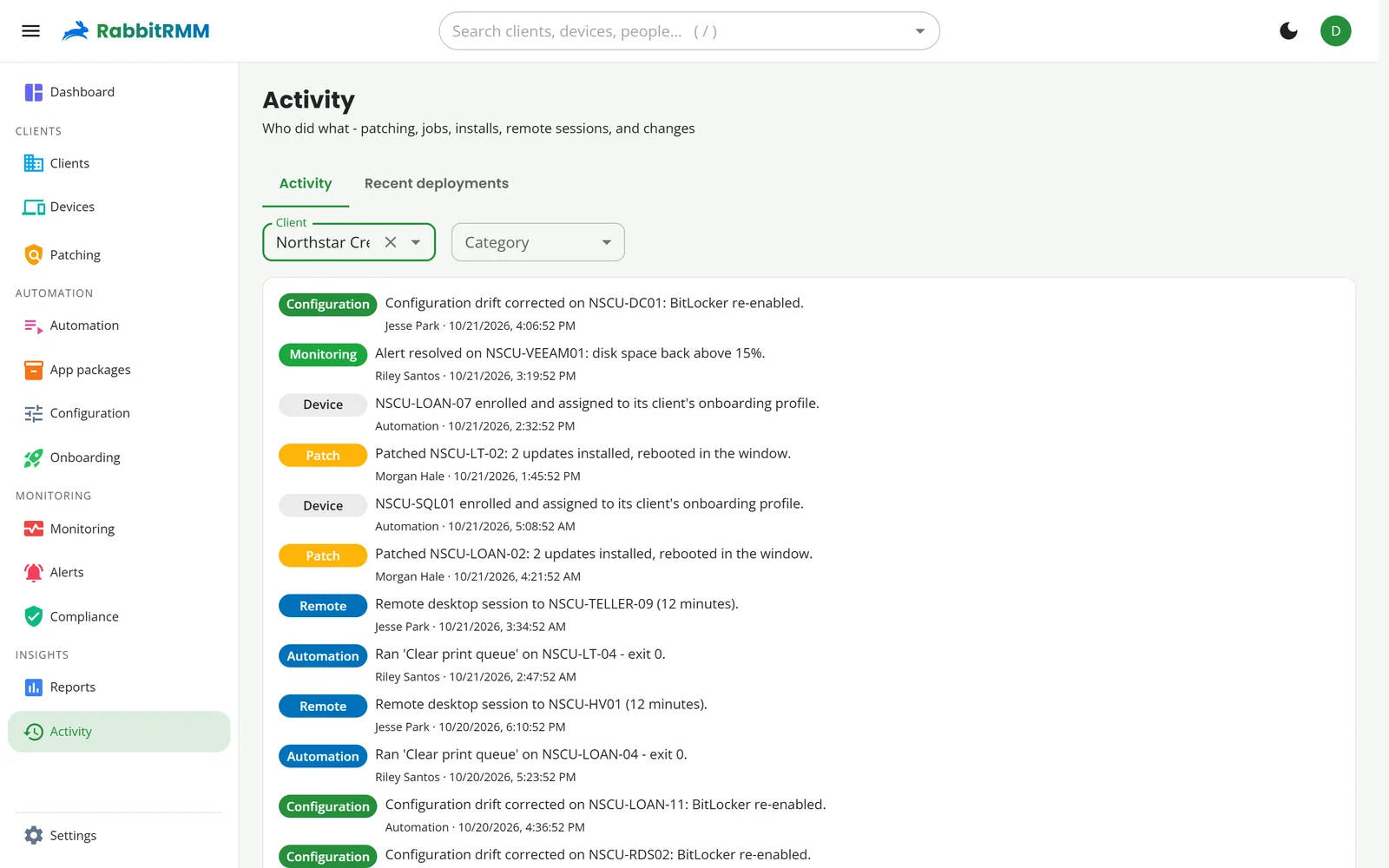
- Every write is recorded in the activity log with who did it
Secrets stay secret
- Integration keys, API secrets and AI keys are encrypted at rest
- Secret script parameters reach the agent through the process environment, never written to disk
- Credentials used to push the agent are held in memory for one run and stored nowhere
- Outbound calls to integrations go only to addresses that pass an allow-list policy
Remote access people can see
- Privacy mode: on attended machines the user approves every remote session
- A banner names the technician for as long as they are connected
- Approvals go over a pipe bound to the signed-in user, so they cannot be forged by another process
- Share links expire when the session window closes
How we work
Reviewed, scanned and tested.
Security is part of every release, not a project we did once.
- Regular code-wide security reviews, with every confirmed finding fixed and covered by a test
- Dynamic scanning of the portal, and a strict content security policy
- Over 1,300 automated tests, including tenant isolation and permission tests, on every change
- Hosted in Microsoft Azure, with production deployed through a staging slot
- Optional dedicated instance with its own database
Responsible disclosure
Found something? Tell us first.
Email security@rabbitrmm.com with what you found and how to reproduce it. We acknowledge every report, keep you updated while we fix it, and credit you if you would like.
Please do not
access or change data that is not yours, run denial-of-service tests, or test against our customers' devices. Testing your own RabbitRMM instance and agents is welcome.